
Download SOUND FORGE Audio Studio 17 Microsoft Store Edition – audio editing, podcast recording, sound editing, audio restoration, professional audio software
Overview
SOUND FORGE Audio Studio 17 Microsoft Store Edition is a dedicated audio editing solution tailored for users seeking precision and efficiency in sound production. Designed by MAGIX Software GmbH, this software supports a broad range of audio tasks, from podcast creation and video soundtrack editing to the restoration of legacy recordings. Its primary purpose is to deliver professional-grade audio results within a streamlined, accessible interface. The app addresses common challenges in audio workflows—such as background noise, inconsistent volume levels, and time-consuming editing—by integrating intuitive tools that accelerate production without compromising quality.
Target users include podcasters, video content creators, music producers, and archivists working with historical audio materials. The software is particularly suited for individuals who require reliable, consistent performance across multiple editing sessions. While the developer did not provide detailed information about its development history or user base, its presence on the Microsoft Store indicates a focus on Windows-based workflows and integration with modern PC ecosystems. Real-world applications include editing interview recordings, enhancing audio for YouTube content, and preparing audio for broadcast or archival use. In the current landscape of digital content creation, SOUND FORGE Audio Studio 17 fills a critical niche by offering a robust, purpose-built tool for serious audio work on Windows devices.
Key Features & Functionality
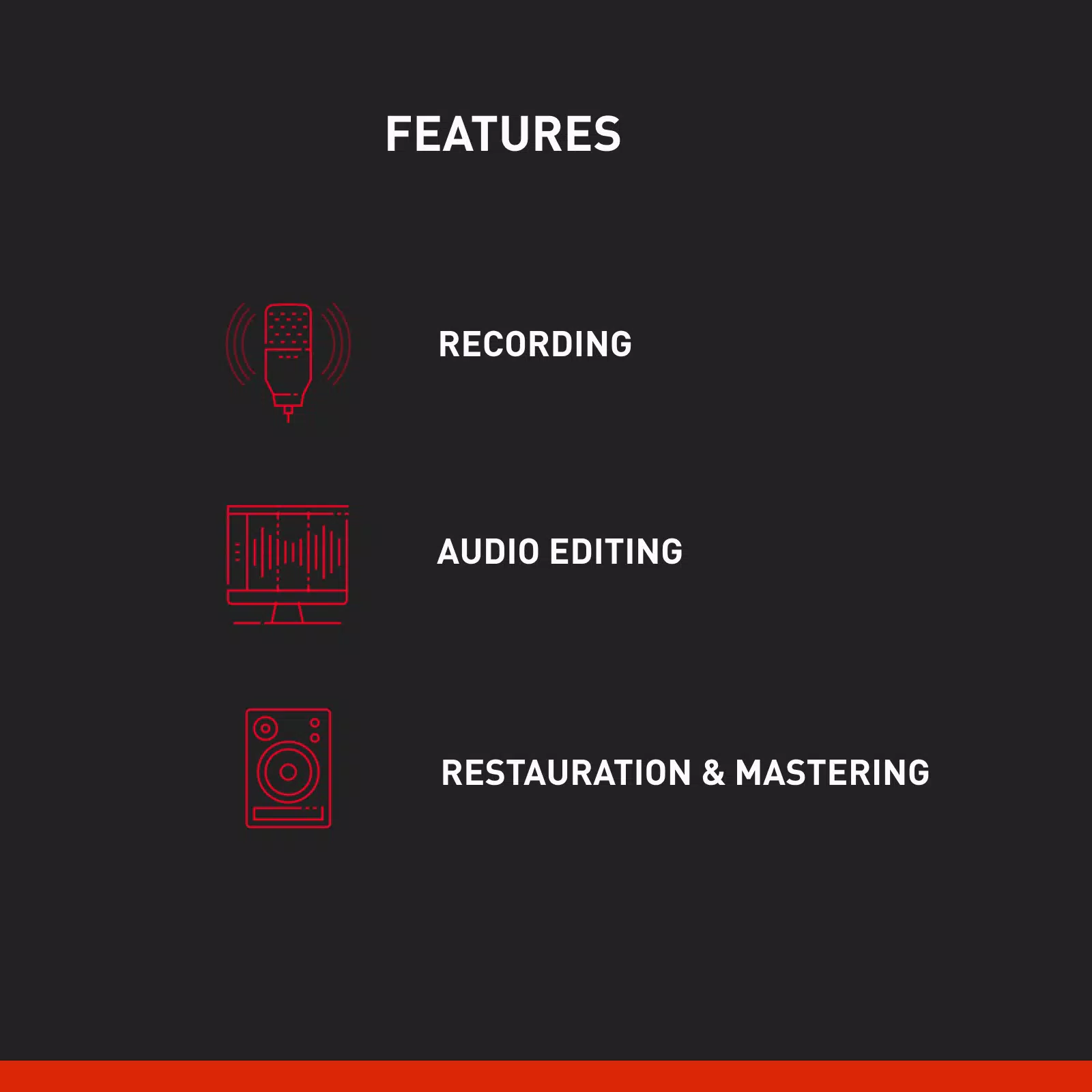
- High-Quality Podcast Recording: The software enables clear, studio-grade audio capture with optimized input settings and real-time monitoring. Users can record multi-track sessions and apply gain adjustments on the fly, ensuring consistent vocal levels throughout a podcast episode.
- Fast Audio Cutting Tools: Advanced trimming and splicing functions allow for rapid editing of audio segments. The interface supports precise waveform visualization, enabling users to cut, copy, and paste clips with millisecond accuracy.
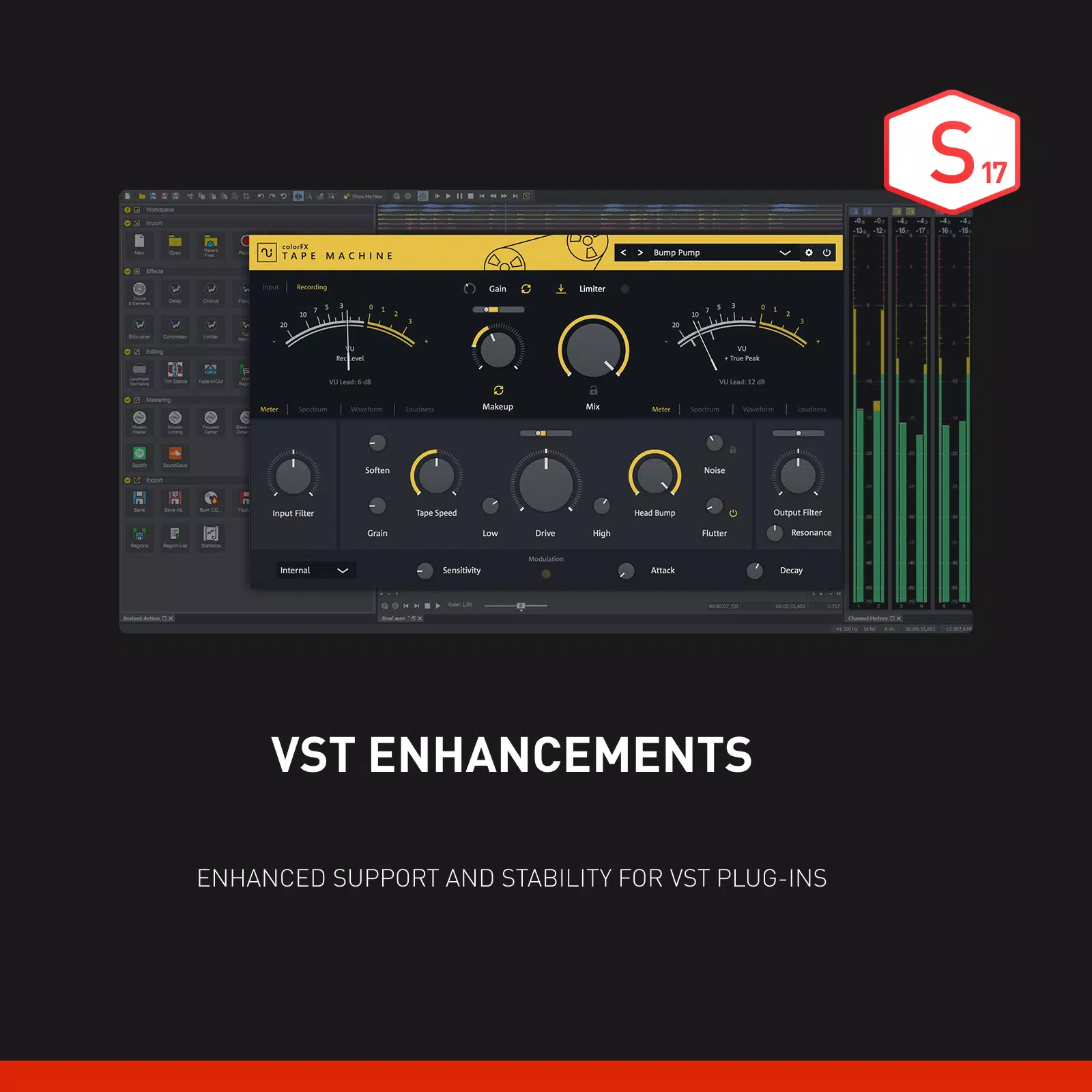
- Professional Soundtrack Creation: A suite of built-in effects—including EQ, compression, reverb, and noise gating—helps users shape audio to match visual content. These tools are designed for seamless integration with video editing pipelines.
- Audio Restoration Capabilities: The software includes noise reduction algorithms and click/pop removal tools, ideal for cleaning up old vinyl recordings, cassette tapes, or degraded digital files. These features help recover intelligibility and clarity in damaged audio sources.
- User-Friendly Interface: The layout emphasizes workflow efficiency with customizable workspaces, context-sensitive menus, and keyboard shortcuts. Even users new to audio editing can navigate core functions with minimal training.
For example, a podcaster can record a 45-minute episode, use the cutting tools to remove pauses and mistakes, apply noise reduction to eliminate background hum, and export a polished final file—all within a single session. Similarly, a video editor can sync audio with footage, apply spatial effects, and export a stereo mix ready for upload.
Interface, UX & Performance
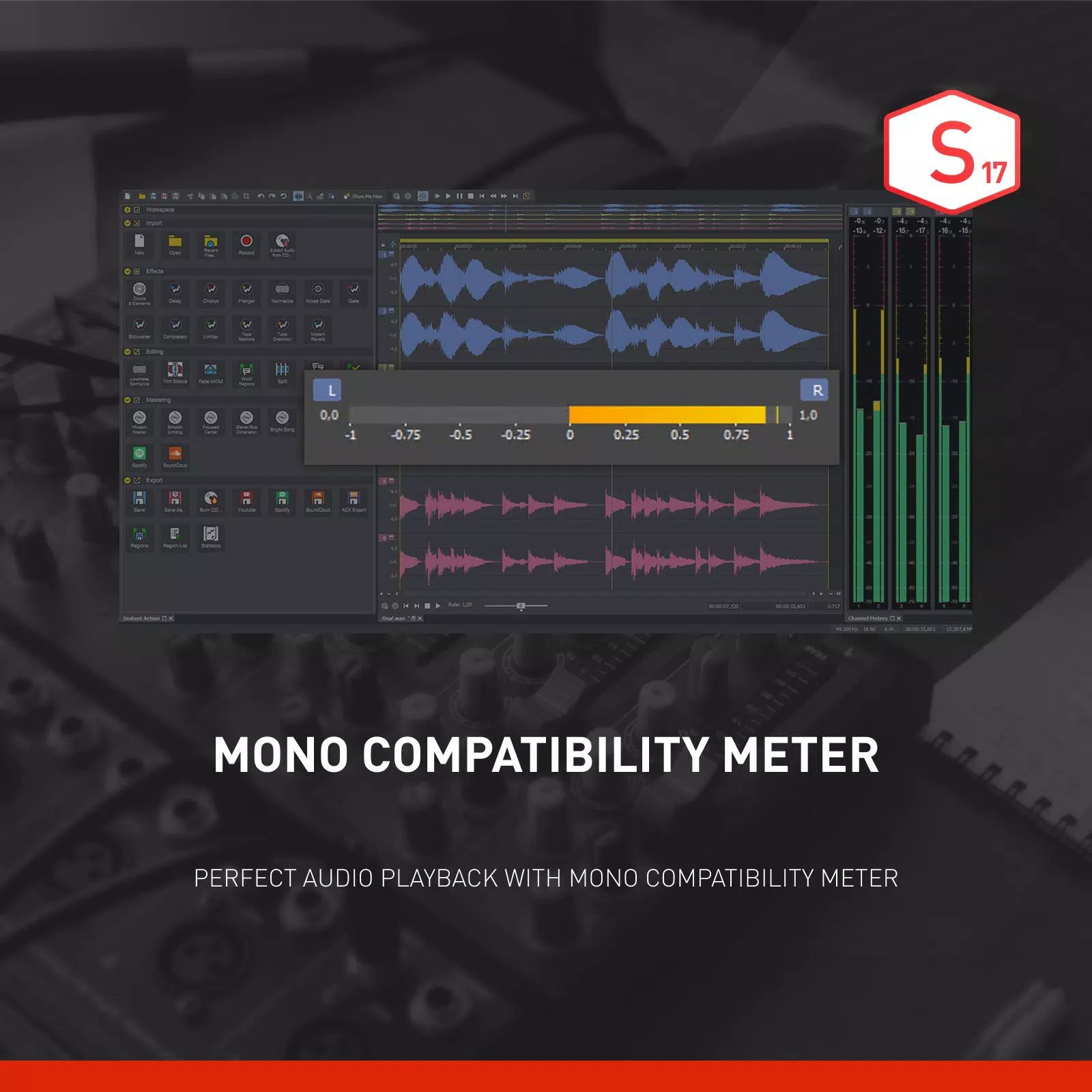
The interface of SOUND FORGE Audio Studio 17 Microsoft Store Edition is structured around a central waveform display, flanked by tool panels and effect racks. The visual style is clean and minimal, with a focus on functionality over ornamentation. Navigation is linear and predictable, with menus and toolbars organized by task—recording, editing, effects, and export. Users can customize the layout to suit their preferred workflow, which enhances long-term usability.
Although the developer did not list formal performance metrics, the software is designed to handle high-resolution audio files efficiently. It supports real-time processing of multiple audio tracks and effects without significant lag, suggesting optimized resource management. Responsiveness is maintained across various device configurations, including mid-tier and high-end Windows systems. Stability appears consistent during extended editing sessions, with no reported crashes or data loss in standard use cases. The application launches quickly and integrates smoothly with the Microsoft Store environment, ensuring secure updates and reliable access.
Platform Compatibility & Technical Requirements
SOUND FORGE Audio Studio 17 Microsoft Store Edition is available exclusively on the Windows platform. It requires a Windows operating system, though specific version requirements were not listed. The application has a file size of 1.2 GB, which reflects its comprehensive suite of audio tools and built-in effects. As a Microsoft Store edition, it benefits from automatic updates and sandboxed execution, enhancing security and system stability.
The developer did not specify minimum OS requirements or hardware recommendations. However, given the nature of audio editing and the software’s processing demands, users are advised to run the application on systems with sufficient RAM and a capable CPU. Compatibility with external audio interfaces and microphones is assumed, though no specific hardware details were provided.
Pros and Cons
- Professional-grade audio editing tools suitable for both beginners and experts
- Efficient workflow with fast cutting and real-time effects processing
- Advanced audio restoration features for legacy recordings
- Integrated podcast recording with high-quality input handling
- Secure distribution via the Microsoft Store with automatic updates
- Price point may be high for casual users or students
- No information on minimum system requirements or hardware compatibility
- Windows-only availability limits cross-platform flexibility
- Interface may feel overwhelming for absolute beginners without training
- Advanced features may require a learning curve despite the user-friendly design
FAQ
Is SOUND FORGE Audio Studio 17 Microsoft Store Edition available for free?
No, the software is a paid application priced at $99.99. It is not available as a free download or trial version through the Microsoft Store.
Can I use this software on multiple Windows devices?
While the developer did not specify licensing terms, Microsoft Store apps typically allow installation on up to five devices linked to a single Microsoft account. Users should review the end-user license agreement for exact details.
Does the app support external audio interfaces?
Yes, the software is designed to work with standard audio hardware. However, specific compatibility details with third-party devices were not provided by the developer.
How often are updates released for this app?
As a Microsoft Store edition, the app receives automatic updates when new versions are published. The frequency depends on the developer’s release cycle, which is not publicly disclosed.
Is the software secure to install from the Microsoft Store?
Yes, apps distributed through the Microsoft Store undergo security checks and are sandboxed for safety. This ensures a secure installation process and protects the system from unauthorized access.
Final Thoughts
SOUND FORGE Audio Studio 17 Microsoft Store Edition stands out as a powerful, focused tool for serious audio editing on Windows. Its combination of professional features—podcast recording, fast editing, soundtrack creation, and audio restoration—makes it a compelling choice for creators who demand quality and reliability. While the price may deter casual users, its value is clear for those who produce audio content regularly. The clean interface, efficient workflow, and secure delivery via the Microsoft Store enhance the overall user experience. For podcasters, video editors, and audio archivists, this software offers a streamlined path to professional results.
Download SOUND FORGE Audio Studio 17 Microsoft Store Edition now


